01
A home for every shot
Keep reference images, sketches and shot notes together. Arrange your Reel as it takes shape.
For the Reels you haven’t made yet
Turn the Reel in your head into a plan everyone can see.
Shot-list it, find your rhythm, and bring your team along.
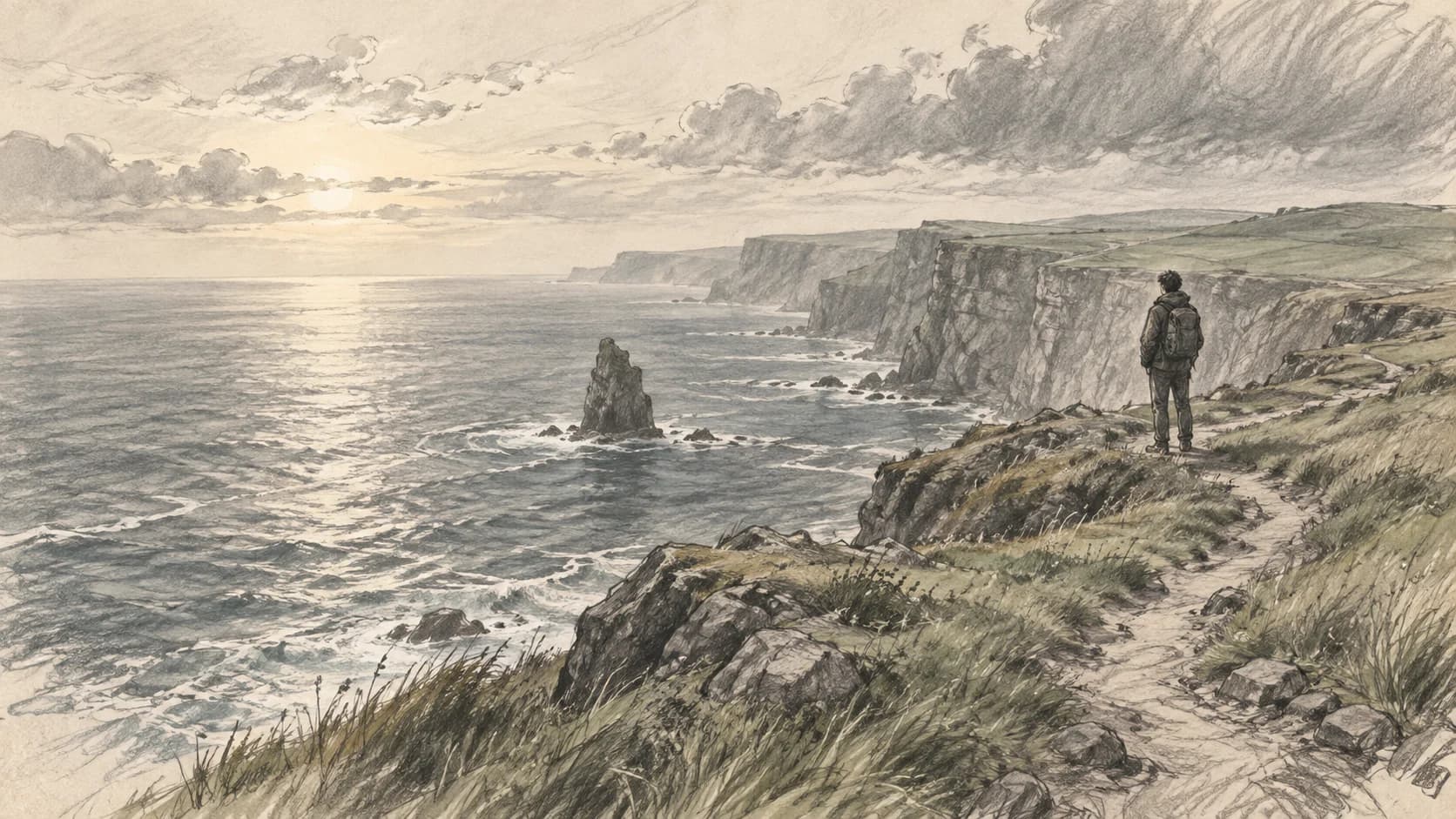
Hold on the horizon. Let the scale of the landscape sink in.
Made for the people
behind the picture.
01 / Make the idea tangible
A rough sketch. A reference photo. A scene you can’t stop thinking about. Give it a place to grow.
Build your shot list, put words to each shot, and explore a different direction without losing the original.
See how a story comes together
One Reel. One creative workspace.
From the first shot to the final handoff,
the details stay with the Reel.
Keep reference images, sketches and shot notes together. Arrange your Reel as it takes shape.
Set the timing, add audio and play your board as an animatic. Find the pace before you shoot.
Share a link, collect shot-by-shot feedback and keep the next round of changes in context.
Your process, your details.
Make room for another idea.
Track platforms and publish dates.
Keep your references close.
Choose who sees the Reel.
Send it out, ready to watch.
 FRAME 02 / THE SMALL THINGS
02 / Find the feeling
Hold a moment. Change a cut. Add the sound that brings it all together. An animatic lets you feel your story before you film it.
Explore the interactive demo Shot timing · Audio tracks · MP4 export01 / THE WORLD OPENS UPLet’s hold this frame a little longer.
Give the view its moment.
03 / Bring everyone along
Give your team and clients the whole picture. Share a board, leave feedback on the exact shot, and keep every conversation close to the work.
A few things, before you begin
The practical details.
Then, back to the creative part.
Not at all. Upload reference photos or existing artwork, use images from your asset library, or sketch directly inside StillToReel. Mix different kinds of visuals in the same Reel.
Yes. Give each shot a duration, add an audio track and preview your sequence on a timeline. You can export the result as an MP4, including subtitles when configured.
Yes. Share a public review link and optionally protect it with a password. When comments are enabled, guests can leave feedback on individual shots.
Export your Reel's shot list as a PDF or slides, and your animatic cut as an MP4 video, ready to post.
Yes. The free plan includes shot planning, drawing, animatics, and team collaboration with usage limits, and you can sign up without entering payment details. A commercial plan with higher limits is available on request.
One idea. One shot. That’s all it takes to begin.